PC Building
Building your own PC can be an exhilarating journey. Whether you’re a gamer itching for the latest graphics or a creative looking to harness powerful processing capabilities, crafting a custom computer tailored to your needs is rewarding and exciting. But where do you start? From selecting components that will work harmoniously together to understanding the ins and outs of assembly, embarking on this venture may seem daunting at first.
This beginner’s guide aims to simplify the process of shopping for PC building essentials. We’ll break down everything from essential hardware parts to budgeting tips that won’t strain your wallet. So grab a snack, settle in, and let’s dive into the world of DIY computers your dream build awaits!
Understanding the Basic Components of a Computer
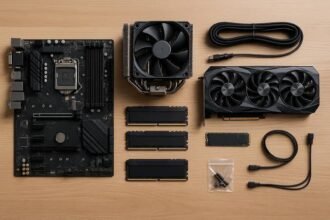
When diving into PC building, grasping the basic components is crucial. Each part plays a unique role in making your computer function smoothly.
The heart of any system is the processor. It executes instructions and performs calculations, determining overall speed and performance.
Next, we have the motherboard. This essential component connects all other parts together, allowing them to communicate efficiently.
RAM (Random Access Memory) serves as temporary storage for data that your CPU uses on-the-fly. More RAM typically means better multitasking capabilities.
Storage options come next; this includes SSDs and HDDs. SSDs are faster but usually pricier, while HDDs offer larger capacities at lower costs.
There’s the graphics card, which handles rendering images and video output to your monitor. A strong GPU can significantly enhance gaming experiences or graphic-intensive tasks like video editing.
Choosing the Right Processor and Motherboard
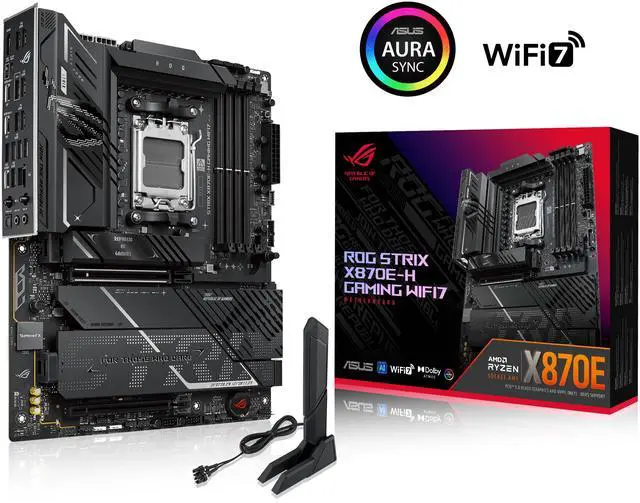
Selecting the right processor and motherboard is crucial in your PC building journey. They are the heart and brain of your system, determining performance and compatibility.
Start with the processor, or CPU. Look for one that matches your usage needs—gaming requires different specs compared to video editing or general tasks. Research brands like Intel and AMD to find a model that suits you best.
Next up is the motherboard. It must be compatible with your chosen CPU. Pay attention to chipset features, which dictate how many components you can connect, such as RAM slots and PCIe lanes for graphics cards.
Don’t forget about future upgrades! Choose a motherboard that allows room for expansion down the line. Checking reviews can also provide insights into reliability and performance from real users. Make informed choices; they set the foundation for an exceptional build experience.
Build Around the Right Foundation
Compare processors and motherboards before you commit to your core setup.
Compare CPUs & Motherboards →Selecting RAM, Storage, and Graphics Card
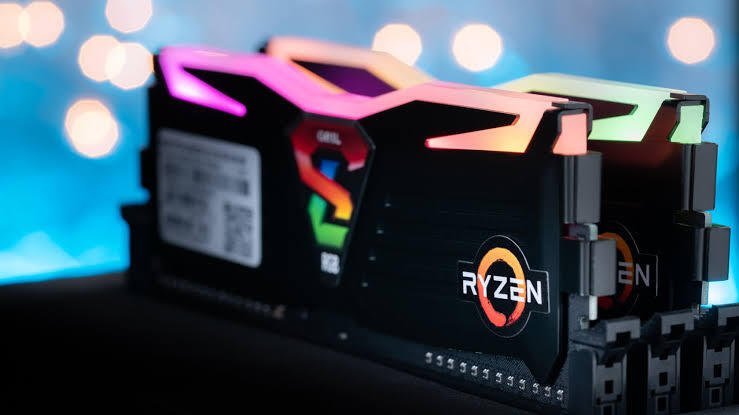
Selecting RAM is crucial for your PC’s performance. Aim for at least 16GB, especially if you’re gaming or multitasking. More demanding applications may require even higher capacities.
Storage options can vary widely. Solid State Drives (SSDs) offer speed, while Hard Disk Drives (HDDs) provide larger storage at lower prices. Consider an SSD for your operating system and key programs to enhance load times.
Graphics cards are essential if you plan on gaming or graphic design work. Look for a GPU that fits your budget but meets performance requirements based on the games or software you’ll be using. Research the latest models and reviews to ensure optimal choices.
Compatibility matters here too; check if your selected RAM, storage, and graphics card fit within your motherboard’s specifications before buying anything. A well-balanced setup ensures smooth operation across all tasks you intend to tackle.
Give Your Build the Performance It Needs
Find the right balance of memory, storage and graphics performance for your workload.
Shop RAM, SSDs & GPUs →Power Supply and Cooling Options for Your Build
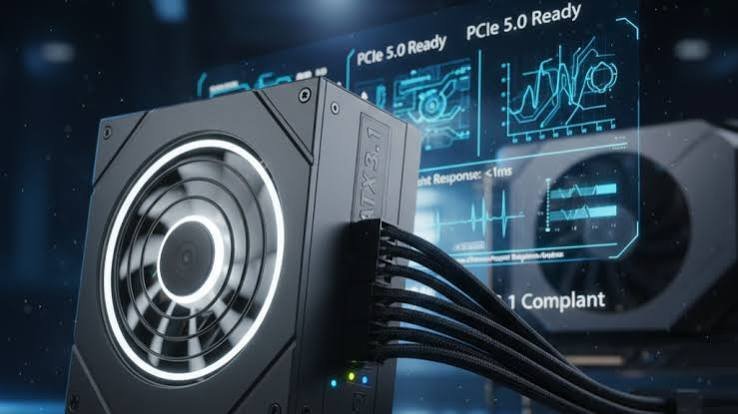
Choosing the right power supply is crucial for any PC build. It’s not just about wattage; efficiency matters too. Look for units with an 80 Plus certification, ensuring reliable performance and lower energy costs.
Next up are cooling options. Proper cooling keeps your components running smoothly and extends their lifespan. Air coolers can be effective and easy to install, often featuring multiple fans for enhanced airflow.
For enthusiasts or those looking to push their hardware, liquid cooling might be appealing. It offers superior thermal management but comes with a steeper learning curve and setup complexity.
Don’t forget case ventilation! Ensure your case has enough intake and exhaust fans to maintain optimal temperatures during intense tasks like gaming or video editing. Balancing power supply efficiency with adequate cooling will ensure a stable and efficient system that meets your needs.
Don’t Overlook the Essentials
A reliable power supply and effective cooling help keep your custom build stable.
Explore Power & Cooling →Tips for Assembling Your PC
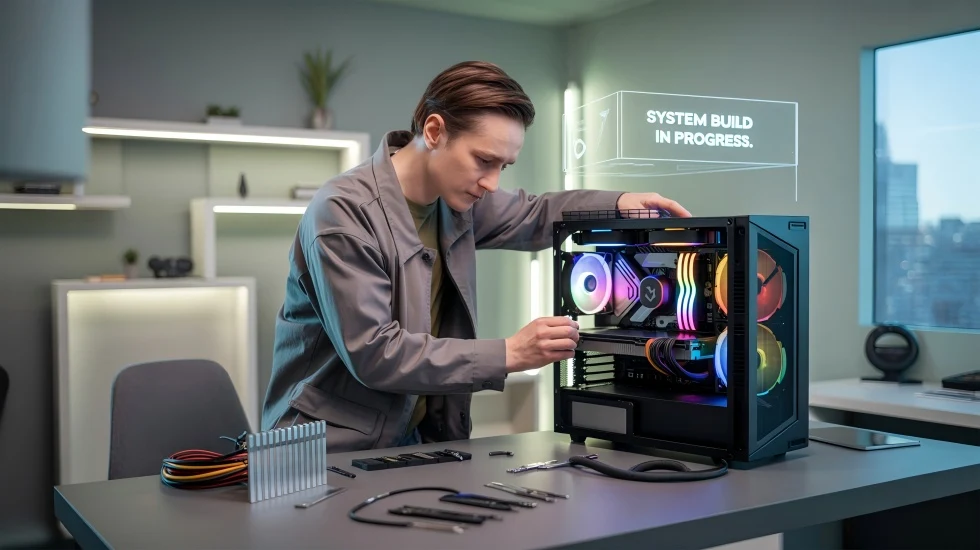
Start by organizing your workspace. A clean, clutter-free area will help you keep track of components and tools.
Ground yourself to avoid static damage. Use an anti-static wrist strap or touch a metal surface frequently to discharge any built-up electricity.
Follow the manual for each component. Motherboards, in particular, have specific instructions that can save you time and frustration.
Take your time with cable management. Neatly routed cables not only look better but also enhance airflow within your case.
When installing parts like the CPU and RAM, handle them gently by their edges. Avoid touching the contacts as oils from your fingers can cause issues down the line.
Don’t rush through connections; double-check everything is seated properly before powering on. It’s easier to fix mistakes now than later.
Enjoy the process! Building a PC is an exciting journey into technology.
Troubleshooting Common Issues
Building your own PC can be rewarding, but sometimes things don’t go as planned. Knowing how to troubleshoot common issues will save you time and frustration.
If your computer won’t boot, check the power supply first. Ensure all connections are secure and that the unit is functioning properly. A simple test is to use a different outlet or power cable.
Next, listen for any unusual sounds from fans or drives. If something seems off, it could indicate hardware failure. Reseat components like RAM or graphics cards if necessary.
Overheating is another frequent problem. Make sure fans are oriented correctly and thermal paste is applied evenly on the CPU. Dust buildup can also impede airflow; regular cleaning helps maintain optimal performance.
Keep an eye on BIOS settings after assembly. Sometimes default configurations need adjustments to recognize new parts effectively.
Recommended Tools for First-Time Builders
When diving into PC building, having the right tools makes all the difference. Start with a quality screwdriver set. A magnetic tip can save you from losing tiny screws.
Next, invest in an anti-static wrist strap. It protects your components from static electricity—an unexpected enemy for sensitive parts.
Cable management is key for aesthetics and airflow. Velcro ties or cable sleeves are handy for keeping everything organized.
A pair of tweezers can be useful, especially when handling small connectors or SSDs in tight spaces.
Don’t underestimate good lighting. A bright work area will help you spot any issues during assembly and ensure that every connection is secure.
Equipping yourself with these basics sets a solid foundation as you embark on your exciting PC building journey!
Resources for Further Learning
Diving deeper into PC building can be incredibly rewarding. Plenty of resources are at your fingertips to enhance your knowledge.
Online forums like Reddit and Tom’s Hardware are gold mines for advice. You can find discussions about specific builds, troubleshooting tips, and personal experiences from other builders.
YouTube offers countless tutorials that show real-time assembly and components testing. Watching these videos can clarify complex processes in a fun way.
Websites dedicated to tech reviews provide insights on the latest hardware trends. Reading articles there helps you stay updated on new releases and performance comparisons.
Don’t overlook community colleges or local workshops; many offer basic courses on computer assembling. Engaging with others in person often leads to hands-on experience and invaluable tips.
Books focusing on computer hardware also deserve a mention. They serve as comprehensive guides filled with detailed explanations suitable for beginners or seasoned enthusiasts alike.
Conclusion
Building your own PC can be an exhilarating journey. It allows you to create a machine tailored specifically to your needs, whether for gaming, content creation, or everyday tasks. By following this guide on how to shop for PC building, you’ll navigate through the intricacies of selecting components and assembling them into a functional unit.
Understanding each part’s role in the overall system is crucial. From processors that dictate speed to graphics cards enhancing visual experiences every choice counts. Budgeting wisely not only helps you avoid overspending but also ensures you’re investing in quality parts that align with your performance expectations.
Assembling your computer might seem daunting at first glance, but with patience and attention to detail, it becomes an enjoyable task. Remember that troubleshooting is part of the process too; it’s all about learning along the way.
Equipping yourself with tools like screwdrivers and anti-static wrist straps will make everything smoother as you dive into assembly mode. And never hesitate to seek more information online or from community forums if you find yourself stumped there’s always something new to learn!
With dedication and curiosity fueling your efforts, building a PC can lead not just to technical knowledge but also lasting satisfaction as you watch your custom creation come alive. Happy building!
Your Custom PC Starts With the Right Parts
From your CPU and GPU to storage, cooling and accessories, bring your build plan together in one place.
Start Your PC Build →