
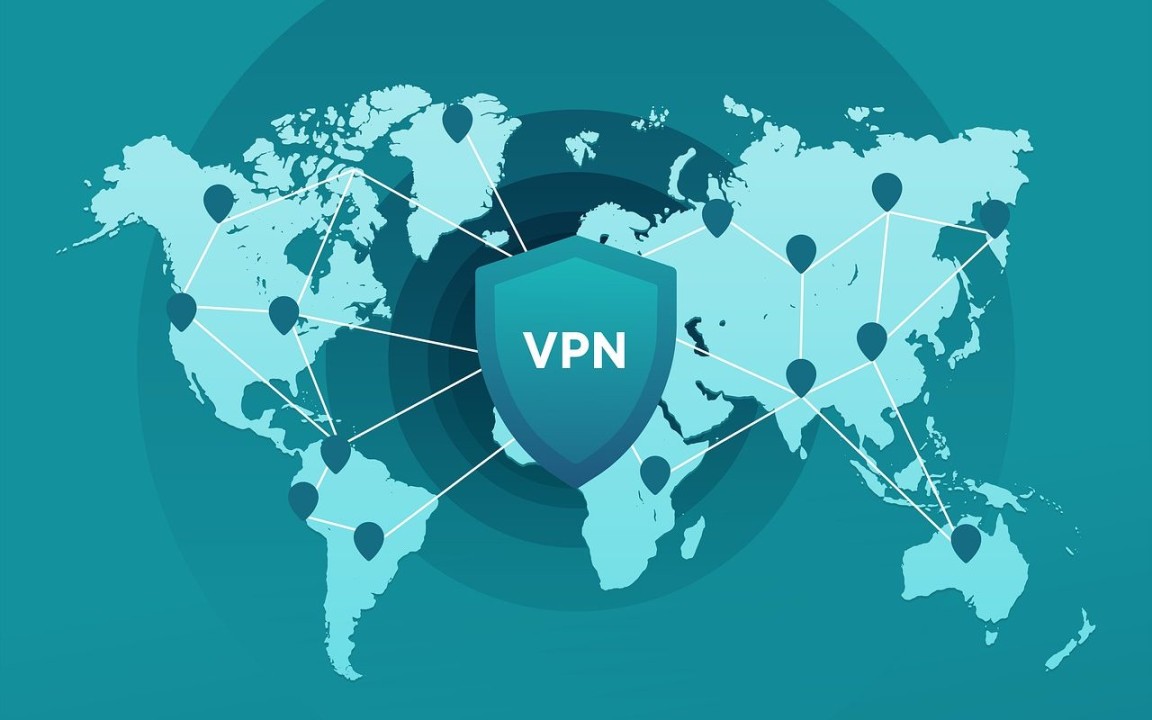
In an age where online privacy is a growing concern, Virtual Private Networks (VPNs) have become essential tools for internet users around the globe. Whether you’re protecting sensitive information while browsing or accessing restricted content, VPNs provide a secure tunnel that shields your data from prying eyes. But what lies beneath the surface of these powerful digital guardians? The answer largely depends on the various protocols they utilize. Each protocol offers unique features and functions, making it crucial to understand how they work before diving in. Join us as we explore popular VPN protocols and help you navigate your options like a pro!
What is a VPN?
A VPN, or Virtual Private Network, is a technology that creates a secure connection over the internet. It allows users to send and receive data as if they were directly connected to a private network. This adds an essential layer of security.
When you connect to a VPN, your internet traffic gets encrypted. This means that even if someone intercepts your data, it remains unreadable. Your online activities become more private and protected from hackers or snoopers.
Additionally, VPNs help users bypass geographic restrictions. Want to access content only available in another country? A VPN can make it seem like you’re browsing from that location.
With increasing concerns about surveillance and data breaches, using a VPN has never been more relevant for those who value their online privacy and freedom.
Different Types of VPN Protocols
VPN protocols are essential for determining how data is transmitted over a virtual private network. Each protocol has its unique way of securing connections and ensuring privacy.
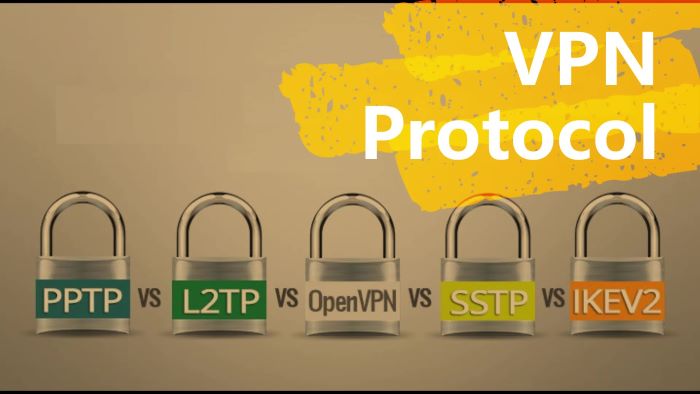
OpenVPN is widely favored due to its strong security features and flexibility. It uses SSL/TLS for key exchange, making it highly secure while allowing customization.
L2TP/IPsec combines the benefits of Layer 2 Tunneling Protocol with IPsec encryption. This duo provides more robust security but can be slower due to double encapsulation.
PPTP is one of the oldest protocols available. While it’s easy to set up and offers decent speeds, its outdated encryption makes it less secure compared to modern options.
IKEv2 is known for speed and stability, especially on mobile devices. Its ability to reconnect quickly after losing connection makes it a popular choice among users who often switch networks.
Each VPN protocol comes with its advantages tailored to specific needs and scenarios.
Pros and Cons of Each Protocol
When evaluating VPN protocols, each comes with its own set of advantages and drawbacks.
OpenVPN is widely favored for its robust security and flexibility. It supports various encryption methods, making it a versatile choice. However, it can be slower than other options due to the overhead involved.
L2TP/IPsec offers strong encryption but often faces issues with firewalls. Its setup can be complex and isn’t always the fastest option available.
PPTP is known for its speed and ease of use, making it suitable for streaming or casual browsing. Yet, it’s outdated in terms of security features, which may expose users to risks.
IKEv2 stands out for mobile devices thanks to its ability to reconnect quickly when switching networks. Still, some might find it less compatible across different platforms compared to others like OpenVPN.
Each protocol has unique traits that cater to specific needs; understanding these nuances helps you make informed decisions.
Choosing the Right Protocol for Your Needs
Choosing the right VPN protocol can feel overwhelming. Each option caters to different needs and preferences.
If speed is your priority, consider WireGuard or IKEv2. They offer excellent performance for streaming and gaming.
For enhanced security, OpenVPN stands out as a top choice with its robust encryption standards. It’s perfect if you frequently access sensitive information online.
L2TP/IPsec provides a good balance between speed and security but might be slower than others due to additional layers of encryption.
Don’t forget about compatibility with your devices. Not all protocols work seamlessly across every platform.
Think about what activities you’ll use the VPN for—browsing, streaming, or torrenting—and choose accordingly. Your individual requirements will guide you in making the best decision for an optimal experience online.
Setting Up a VPN with Your Preferred Protocol
Setting up a VPN with your preferred protocol can seem daunting, but it’s quite straightforward. First, choose a reliable VPN provider that supports the protocol you want to use.
Once you’ve signed up and downloaded the necessary software, launch the application. Most providers have user-friendly interfaces that guide you through the setup process.
Next, navigate to settings or preferences in the app. Here, you’ll find options to select your desired protocol—OpenVPN, L2TP/IPsec, IKEv2, or others. Make your selection based on speed and security needs.
After choosing your protocol, connect to a server location of your choice within the app. This step is crucial for masking your IP address effectively.
Confirm that you’re connected by checking for an active connection status or using an IP checker tool online. You’re now ready to enjoy secure browsing!
Common VPN Errors and Troubleshooting Tips
Using a VPN can sometimes lead to frustrating errors. Knowing how to troubleshoot these issues can save time and stress.
A common error is the “No Internet Connection” message. This often happens when the VPN server you’re trying to connect to is down. Switching servers usually resolves this issue quickly.
Another frequent problem involves slow connection speeds. If you notice lag, try changing your protocol or connecting to a different server location closer to your physical address.
Authentication failures are also typical if your credentials have changed or expired. Double-check your username and password, then attempt reconnecting.
Firewall settings may block VPN traffic. Adjusting these settings in your device’s security software might help restore access without complications.
Stay calm while troubleshooting; most issues are easily fixable with a bit of patience and experimentation.
Conclusion
Choosing the right VPN protocol is crucial for ensuring your online security and privacy. Each protocol comes with its own set of features, benefits, and drawbacks. By understanding these differences, you can make an informed decision that aligns with your specific needs.
Whether you’re looking for speed or enhanced security, there’s a suitable option out there for everyone. Take the time to assess what matters most to you—be it streaming capabilities, anonymity, or bypassing geographical restrictions.
Setting up a VPN can seem daunting at first, but many providers offer user-friendly interfaces that simplify the process. Familiarize yourself with common errors and troubleshooting tips to enhance your experience further.
Investing in a VPN is more than just subscribing; it’s about making smart choices regarding how you protect your digital footprint in an increasingly interconnected world. Stay informed and choose wisely to enjoy all the benefits a VPN has to offer!